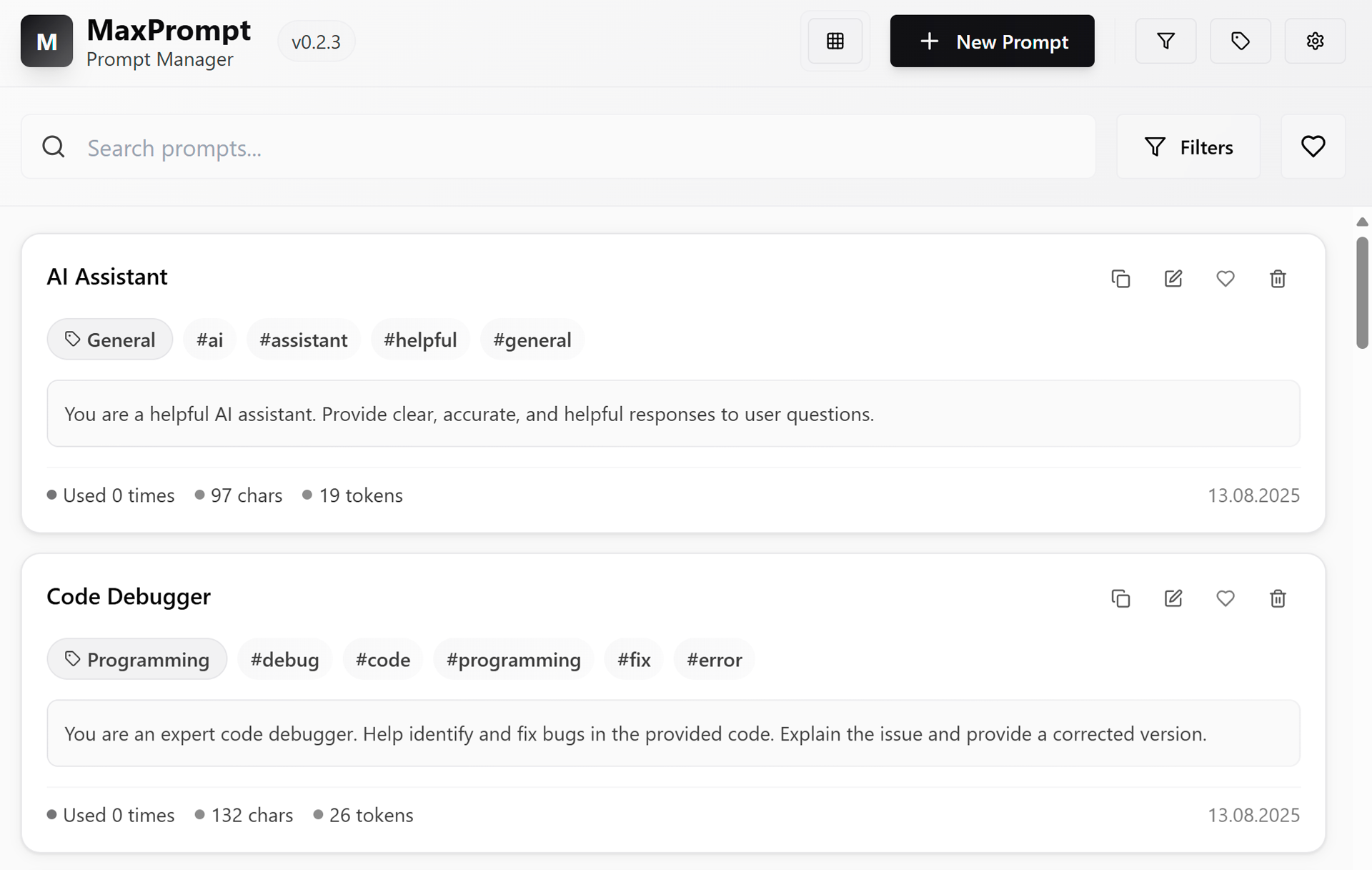
Answers to common questions about MaxPrompt.
Is MaxPrompt free to use?
Yes. All core features are free from day one, no credit card required. You get full access to the prompt library, smart search, categories, tags, and the quick-insert shortcut. Cloud sync across multiple devices and team collaboration tools are part of paid plans. But for a solo user managing their own prompts, the free tier is genuinely complete.
Which AI tools does MaxPrompt work with?
MaxPrompt works with any AI tool you use. The quick-insert shortcut drops your prompts directly into ChatGPT, Claude, Midjourney, Gemini, Grok, Perplexity, or any other interface that accepts text. It's app-agnostic by design: we work at the system level, not inside any single AI product. When a new model comes out tomorrow, you're already covered.
How is MaxPrompt different from saving prompts in Notion or a text file?
Notion and text files are passive storage. You write something down, forget it exists, and start from scratch next time. MaxPrompt is active. The quick-insert shortcut surfaces your prompts exactly where you're working, so you don't switch tabs or dig through documents. On top of that, you get version control, AI enhancement, and auto-tagging so your library stays organized without manual work. It's the difference between a file cabinet and a tool you actually use.
How does MaxPrompt compare to AIPRM or PromptDrive?
AIPRM is a Chrome extension built for ChatGPT, with a shared community prompt library. It's useful if you live inside ChatGPT and want other people's prompts. MaxPrompt is different: it's a personal and team prompt manager that works across every AI tool, not just one. You own your library, organize it your way, and access it anywhere. PromptDrive is the closest comparison. The main difference is that MaxPrompt is local-first by default, meaning your prompts stay on your device unless you choose to sync.
What does AI enhancement actually do to my prompts?
It rewrites your prompt to be more specific, structured, and likely to get the result you want. If you write "write a blog post about coffee," AI enhance might turn that into a prompt with defined tone, target audience, word count, and format instructions. You stay in control: the enhanced version is a suggestion, not a replacement. You can keep the original, use the enhanced version, or blend them.
Is my data stored locally or in the cloud?
By default, MaxPrompt is local-first. Your prompts live on your device and never touch our servers unless you opt into cloud sync. For users who handle sensitive work, proprietary instructions, or internal company prompts, local storage means your data doesn't leave your machine. Cloud sync is available for cross-device access and team sharing, and it's opt-in only.
Can my team share a prompt library?
Yes. With cloud sync enabled, you can create shared libraries that your whole team can access, contribute to, and search. This is useful for content teams, dev teams, and agencies where people run similar tasks with AI every day. Instead of everyone maintaining their own scattered collection, the team builds one source of truth. New team members get up to speed faster because the good prompts are already there waiting for them.
Do I need to know prompt engineering to use MaxPrompt?
No. MaxPrompt is useful from day one even if you've never heard the term "prompt engineering." The public prompt library includes hundreds of ready-to-use prompts across marketing, coding, analysis, writing, and more. You can grab one, run it, and see results immediately. As you get more comfortable, you can edit prompts, create your own, and use AI enhancement to improve them. The skill ceiling is high, but the starting point is simple: find a prompt, click insert, go.
Does MaxPrompt work offline?
Yes. Since your library is stored locally by default, the app works fully offline. You can browse, search, edit, and insert prompts without an internet connection. The only features that require a connection are cloud sync, team sharing, and AI enhancement. Everything else runs on your device.